Q
Rules practice
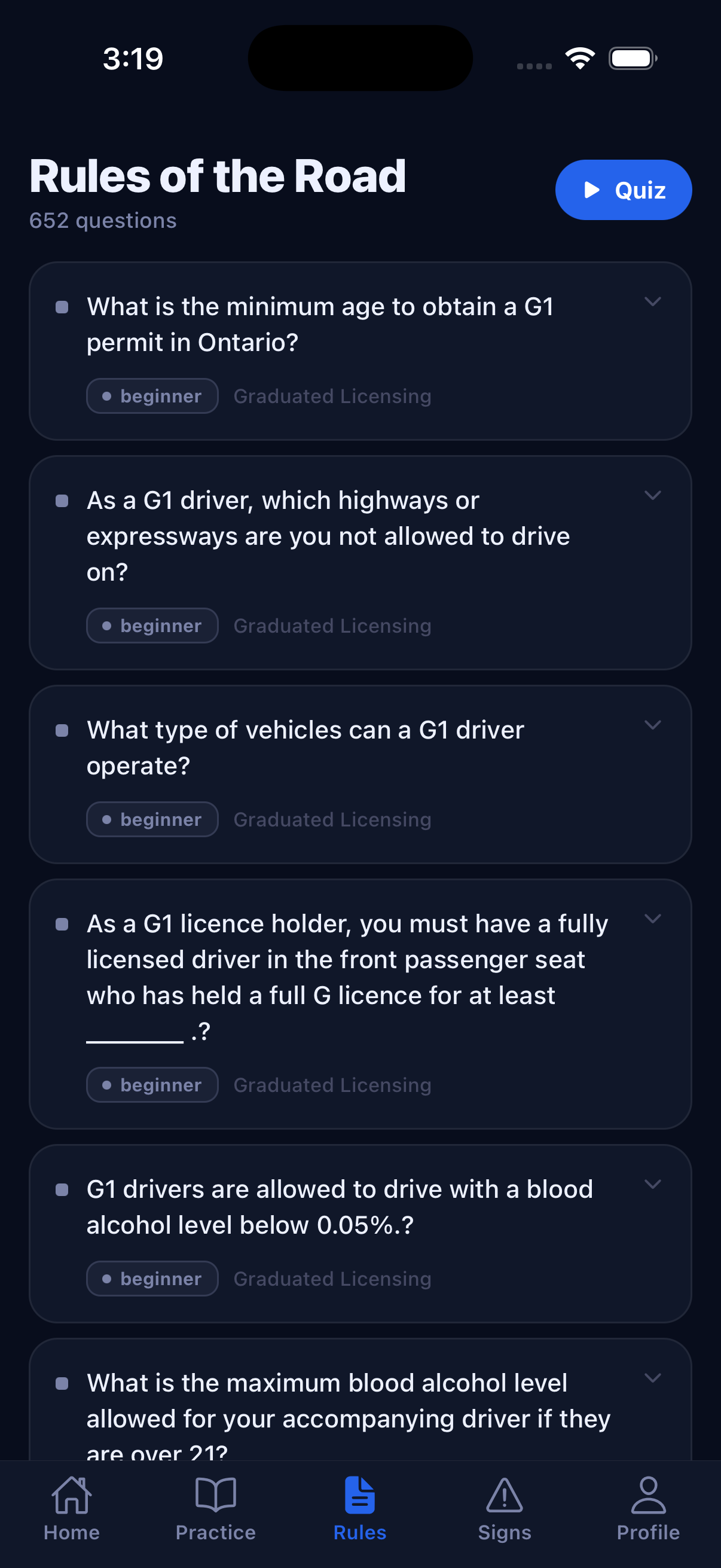
Study Ontario rules of the road with topic filters, difficulty levels, instant answers, and explanations after each question.
G1 Mentor turns Ontario G1 prep into a clear daily plan: practice real-style questions, learn road signs, run timed mock exams, review mistakes, and get AI-powered tips on what to study next.
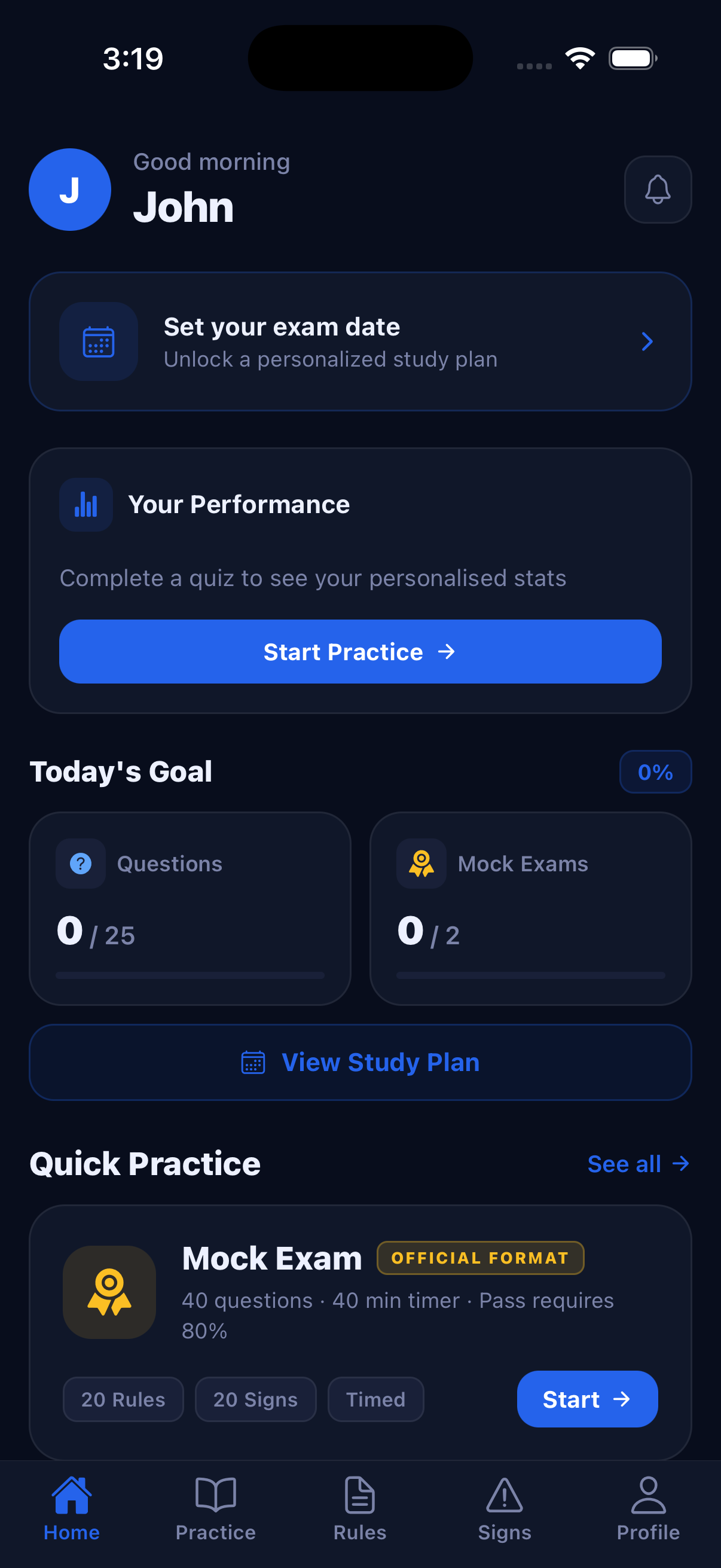
The app function set is designed for the way learners actually prepare: quick sessions, focused weak-area work, and full exam rehearsal when it matters.
Study Ontario rules of the road with topic filters, difficulty levels, instant answers, and explanations after each question.
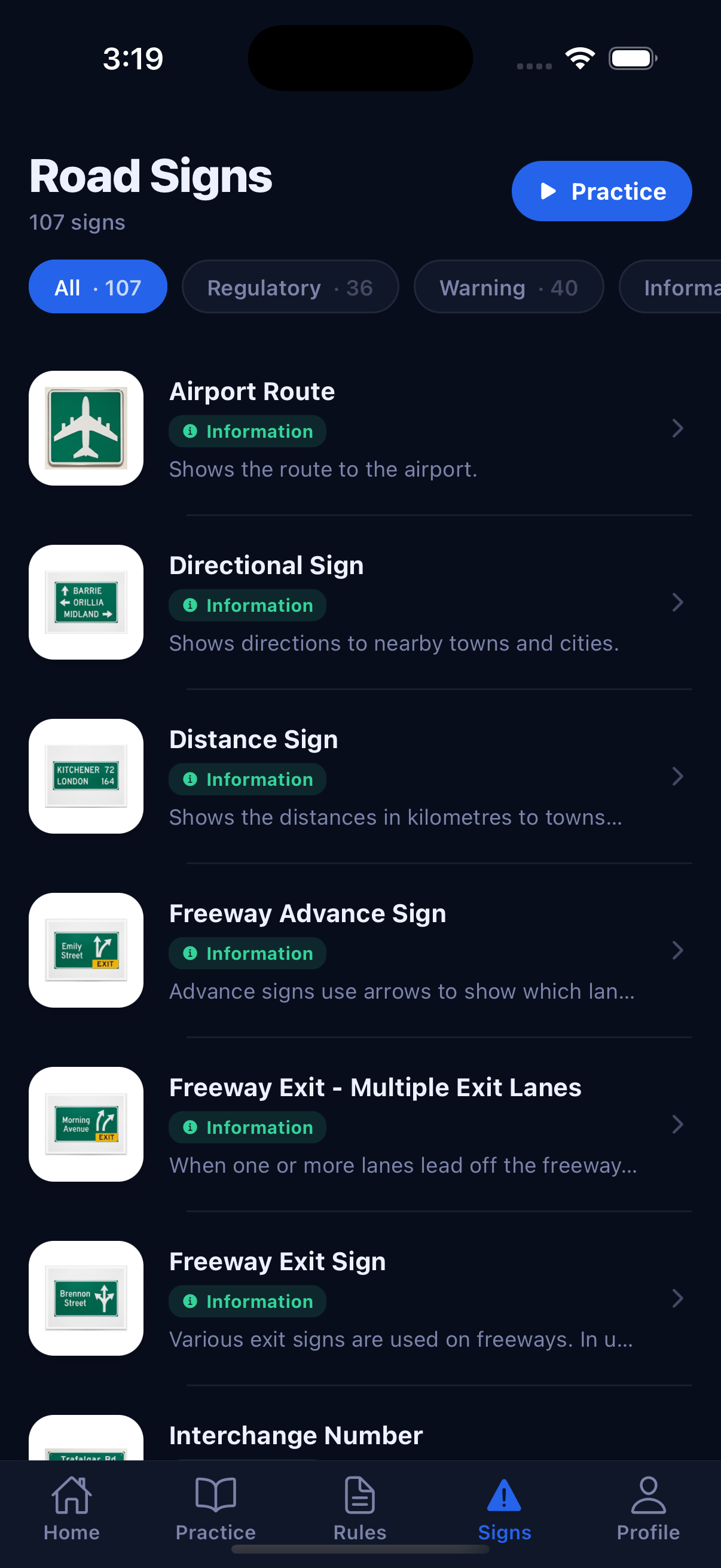
Browse sign categories, open a detailed meaning page, and launch a focused quiz directly from any sign.
Run full 40-question, 40-minute tests with 20 rules and 20 signs, then see your score breakdown immediately.
Save difficult questions and road signs, then return to them for focused review before test day.
Follow streaks, personal bests, rules accuracy, signs accuracy, missed work, and weak-area recommendations.
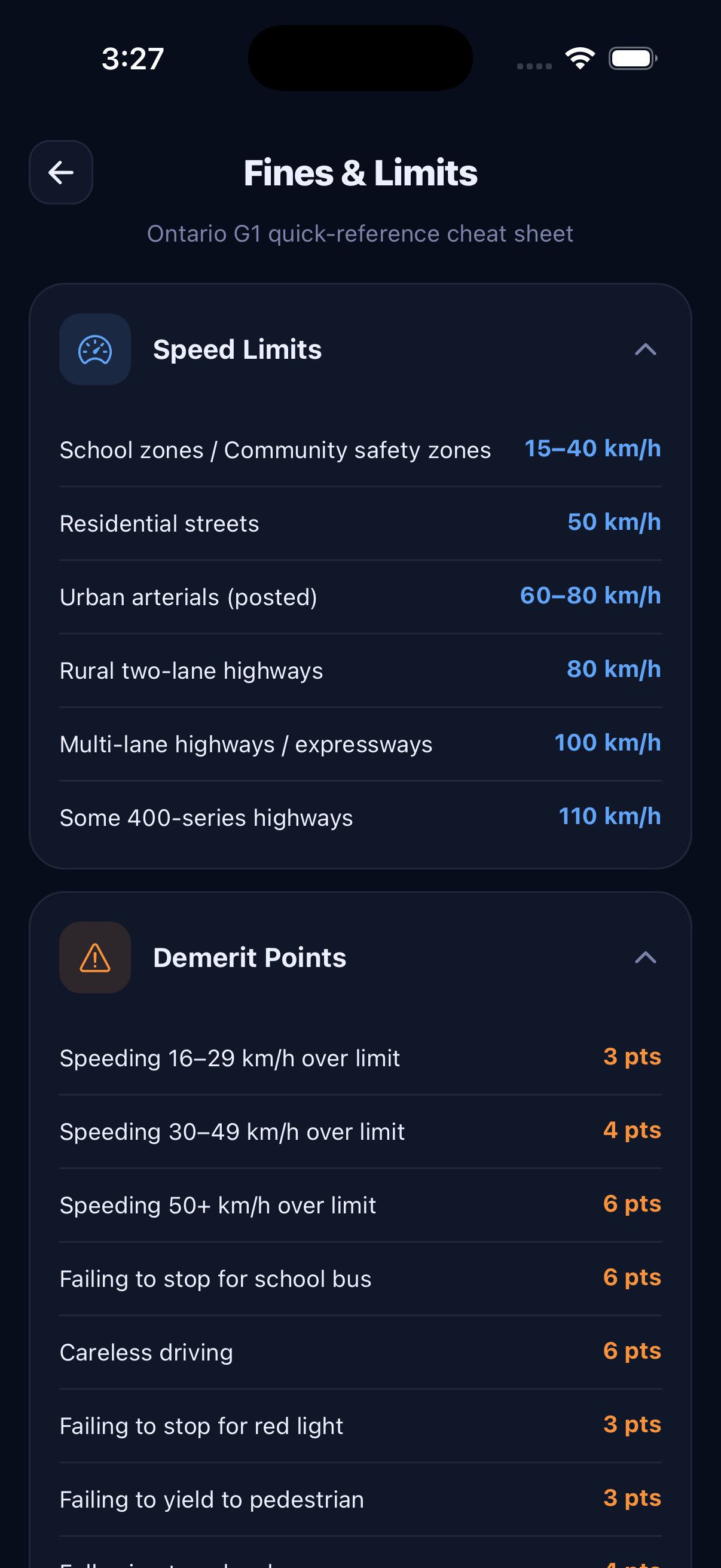
Review speed limits, demerit points, BAC rules, and common Ontario penalties in a fast reference section.
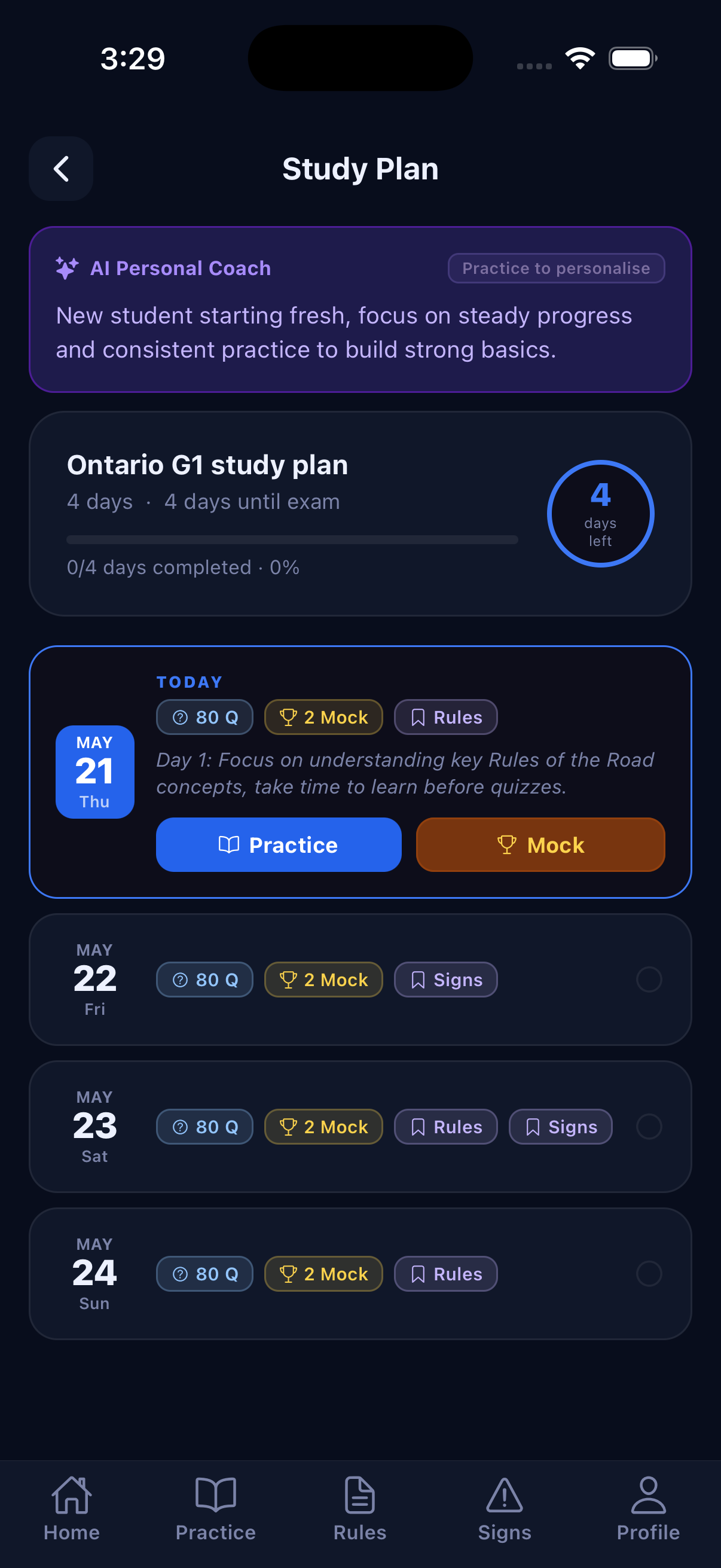
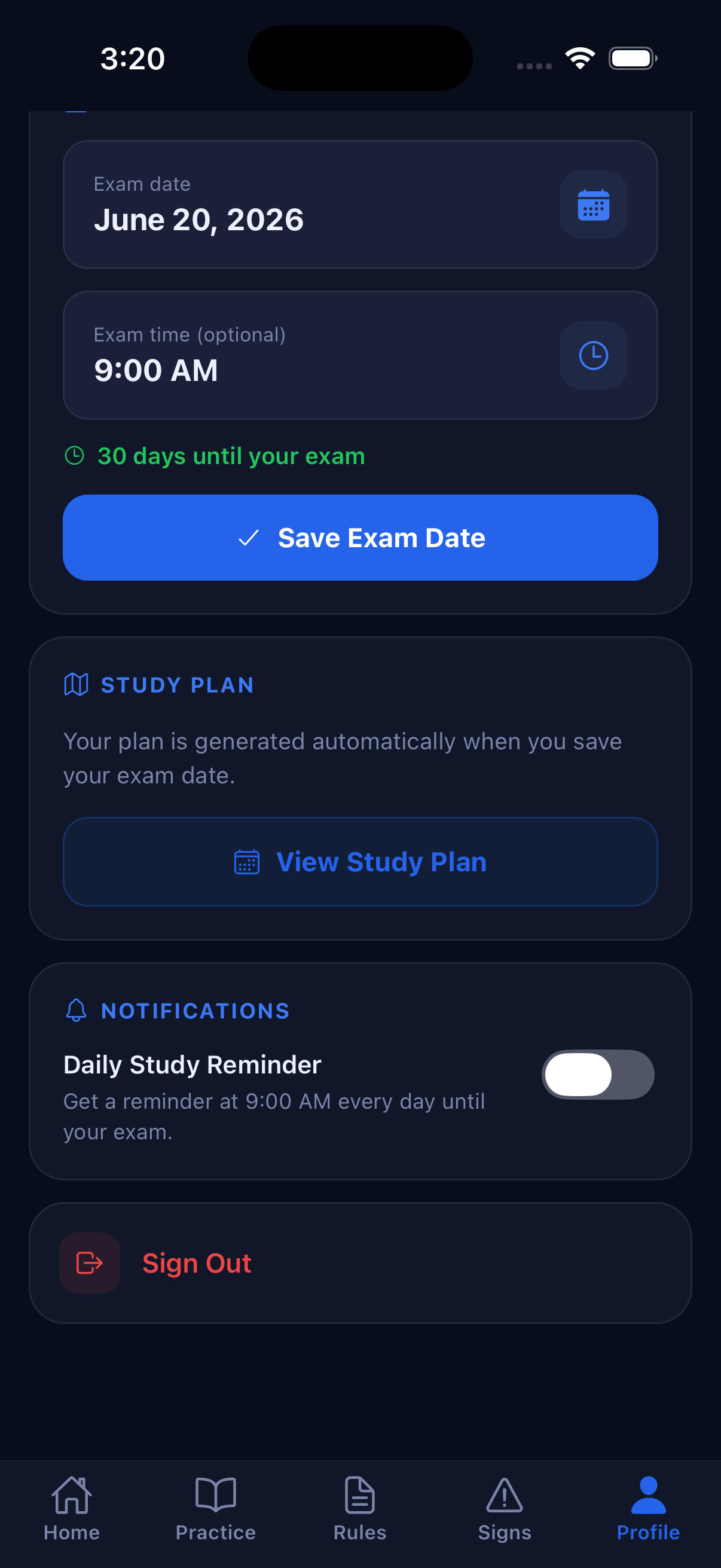
G1 Mentor builds a daily schedule from your exam date and progress. It keeps the plan practical with daily question goals, mock exam targets, AI-powered coaching tips, and reminders when you choose to enable them.
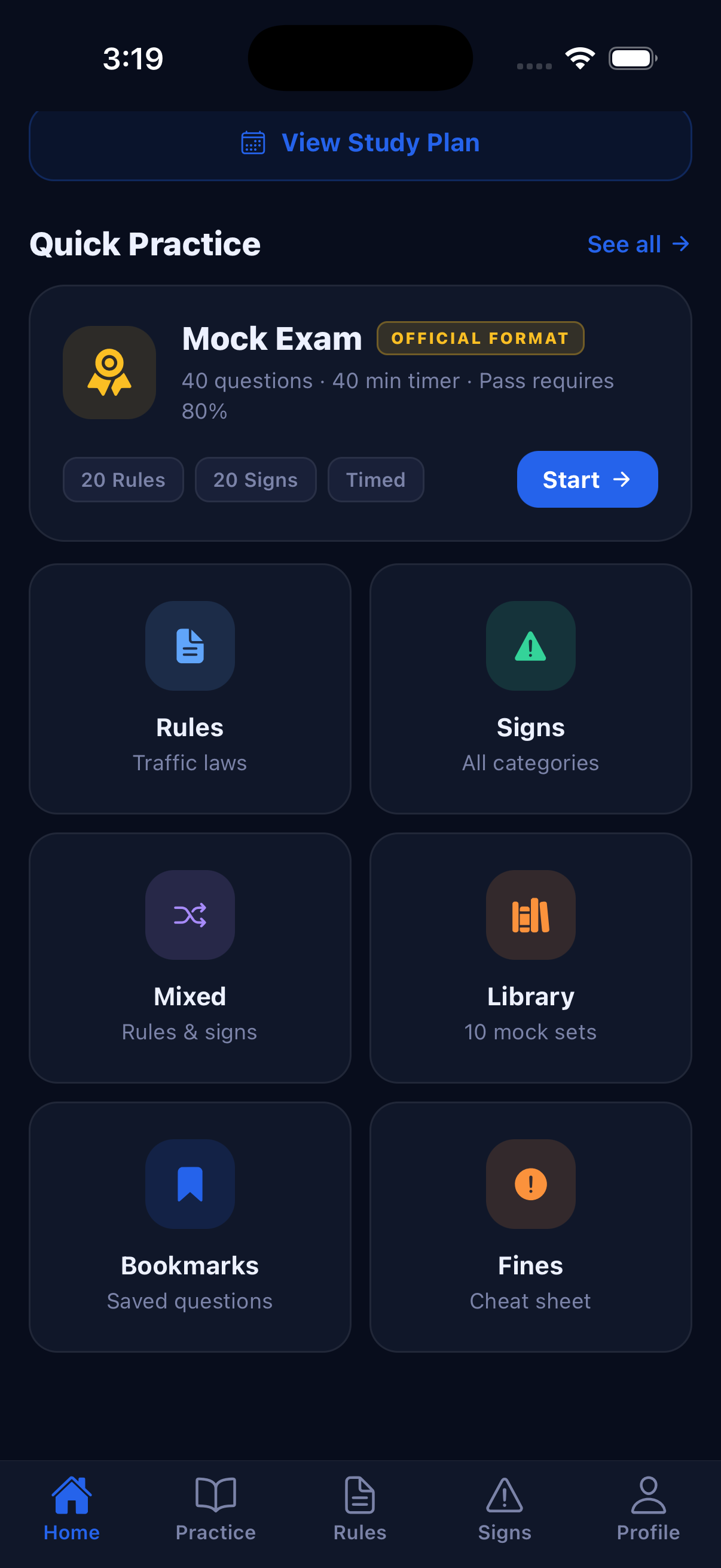
Jump into quick practice, choose rules only, signs only, mixed practice, a short mock, a full mock, or a reusable test set. Guest mode lets learners start quickly; email sign-in saves progress.
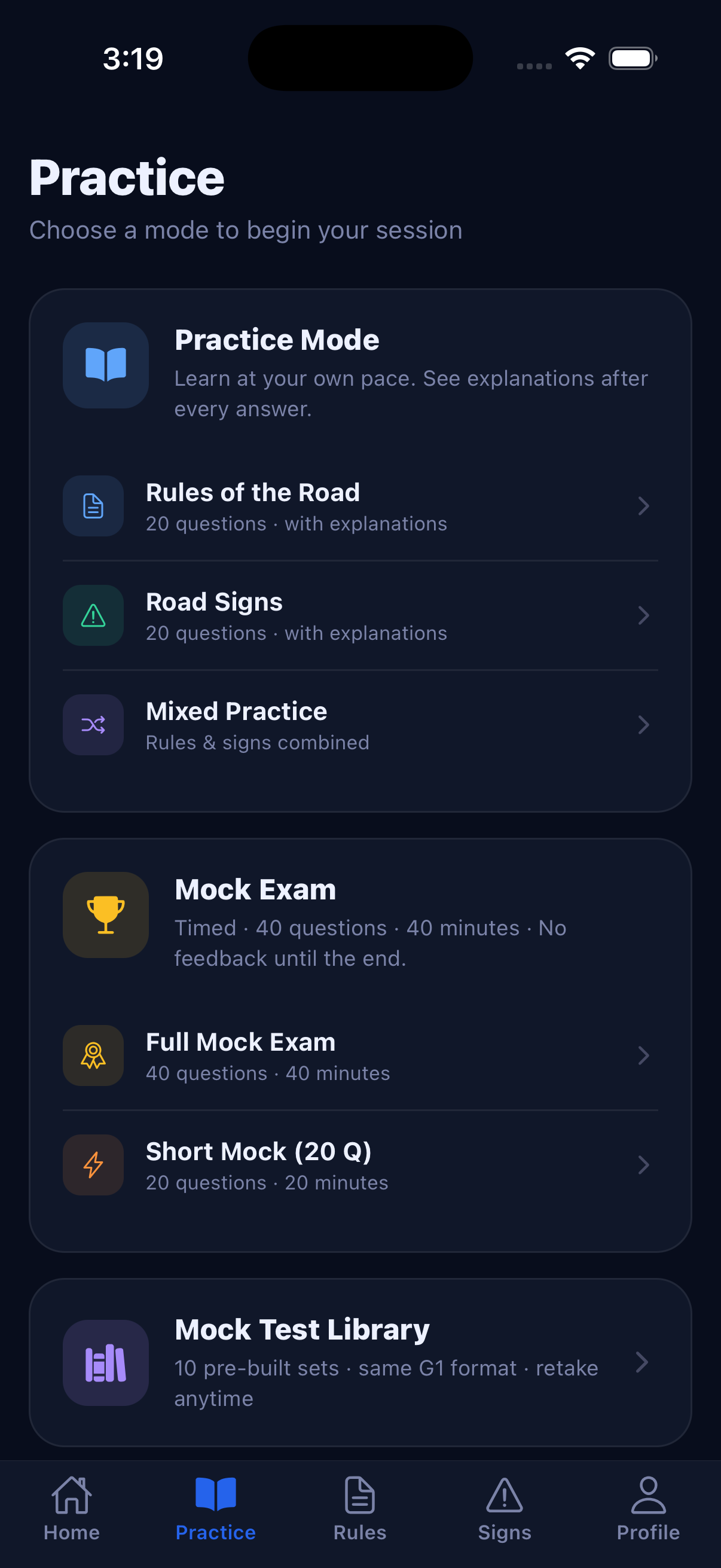
The official G1 knowledge test is split into two sections. G1 Mentor keeps practice organized the same way so your prep feels familiar on test day.
Mock results separate rules and signs accuracy, helping you catch the exact section that needs more attention before booking or retaking.
These screens are ready for your marketing site and useful as a visual support URL when submitting to Google Play and the App Store.
Open the app, choose Ontario G1 prep, and start as a guest or sign in.
Answer rules and signs questions with explanations and save hard items.
Add your exam date to generate a daily plan with realistic targets and AI tips.
Take timed mock exams and use your AI coach insights to guide final review.
G1 Mentor is NOT affiliated with, endorsed by, or sponsored by the Government of Ontario, the Ministry of Transportation (MTO), ServiceOntario, DriveTest, or any government entity. It is an independent study aid built using publicly available Ontario driving information.
Practice questions, road signs, and rules of the road content is compiled from the official MTO Driver’s Handbook.
Speed limits, offences, and licence rules referenced in the Fines & Limits section come from the Highway Traffic Act, R.S.O. 1990, c. H.8.
Demerit point values and consequences are sourced from the Ontario government’s official demerit points page.
BAC limits, zero-tolerance rules for novice drivers, and impaired driving penalties are sourced from ontario.ca.
Dollar amounts shown in the Common Fines section are taken from Schedule 43 of the Ontario Court of Justice set fines under the HTA.
Information on licence suspensions is sourced from the MTO Driver’s Handbook chapter on losing your licence.
Always confirm current rules, fines, and procedures with the official sources above before relying on them. Figures may change — G1 Mentor is updated periodically but is not a substitute for official Ontario government publications.
No. G1 Mentor is an independent study tool and is not affiliated with, endorsed by, or sponsored by the Government of Ontario, the Ministry of Transportation (MTO), ServiceOntario, or DriveTest. See the Sources & Disclaimer section for the official sources we reference.
Yes. The app is free to use and may show ads to support ongoing development.
No. Guest mode is available. Email sign-in is used to save progress, bookmarks, study plans, and reminders across sessions.
No study app can guarantee test results. G1 Mentor helps learners practice with content based on publicly available Ontario driving information.
The app may request notifications for reminders and tracking permission where required to personalize or measure ads.
The site includes dedicated Privacy Policy and Terms & Conditions pages for store review and users.
Use this page as your support or marketing URL, and link the privacy page from Google Play Console and App Store Connect.